Most shoppers stop at applying a single coupon code to their purchase. But if that's you, you're leaving serious money on the table - we're talking 30%, 40%, sometimes even 50% off regular prices when you know how to layer discounts properly. Coupon stacking is the technique that separates casual deal hunters from deal pros, and the surprising truth is that it's completely legal, completely allowed by Amazon, and dramatically more powerful than you probably realize.
In this guide, we're going to show you exactly how to combine discount types to maximize savings on almost anything you buy. You'll learn the specific order to apply different promotions, which discounts stack and which ones don't, and the exact strategies we use to find triple-digit discounts on everyday items. By the end, you'll understand why experienced deal hunters routinely save 40-50% on their purchases while most shoppers think they're getting a good deal at 15% off.
How Amazon's Discount System Actually Works
Before you can stack discounts intelligently, you need to understand how Amazon calculates discounts at checkout. Amazon applies discounts in this specific order:
First, Amazon applies item-level discounts. These are reductions built into the product's current price - what you see on the listing. These happen before checkout.
Second, Subscribe and Save discounts apply. If you select "Subscribe and Save," Amazon immediately reduces the price (usually 5-20% depending on the product). This stacks on top of the listed price.
Third, Lightning Deals and limited-time promotions apply. These are time-bound discounts that further reduce the price at checkout.
Finally, coupon codes apply. When you enter a coupon code, Amazon calculates the discount against the current price (after all previous discounts have been applied). This is the secret that most people don't understand - your coupon doesn't apply to the original price, it applies to the already-discounted price.
One critical limitation: you can only apply one coupon code per order. This is Amazon's hard rule. However, that single code can stack with every other discount type.
The Stacking Formula: Subscribe and Save Plus Coupon Code
This is the most commonly available stacking opportunity for everyday shoppers. Here's how it works:
Find a product that offers Subscribe and Save. Not all products do, but most consumables (household supplies, beauty products, pet supplies, vitamins) participate.
Select Subscribe and Save at checkout. The price drops immediately - typically 5-20% depending on the product and discount tier.
Apply an applicable coupon code on top. Search for a coupon code that covers the product category. That code now applies to the already-reduced Subscribe and Save price.
The math: A product might cost $20 regularly. With Subscribe and Save, it drops to $17 (15% off). Then you apply a coupon code for "12% off household items," which now applies to the $17 price, bringing it to $14.96. You've combined two different discount types for nearly 25% total savings.
This combination is so effective because Subscribe and Save codes are relatively common and many brand coupons don't have restrictions preventing their combination. Before applying, just verify that the coupon code terms don't explicitly state "cannot be combined with Subscribe and Save discounts."
Lightning Deal Plus Coupon Code Strategy
Lightning deals are time-limited discounts Amazon highlights throughout the day. These deals are independent from coupon codes, which means you can apply a coupon code on top of a lightning deal.
The process: A product enters a lightning deal. The price drops to, say, $30 (from $40). You notice this product is in a category where you have a working coupon code available. You apply the code, and the discount applies to the $30 lightning deal price, not the original $40 price.
This combination is powerful but requires timing. Lightning deals last anywhere from 30 minutes to 24 hours. When you see a lightning deal in a category where you know active coupons exist, make a mental note and check for applicable codes before the deal expires.
The best approach here is using the Juicer.deals Chrome Extension, which can alert you to lightning deals as you browse. When notified of a lightning deal, you then have time to research coupons rather than hunting in a panic when the deal is live.
Prime Member-Only Deals Plus Coupon Codes
Prime members get exclusive deals on thousands of products throughout the year. These deals are tagged "Prime member deal" or "Prime exclusive deal" on the listing. Like lightning deals, these stack perfectly with coupon codes.
A $30 Prime exclusive deal can become a $25 deal when you layer a 15% coupon code on top. The advantage of Prime deals is that they're more stable than lightning deals - they often run for days rather than hours - which gives you adequate time to research and verify applicable coupons.
If you're a Prime member and you shop frequently, make it routine to check for Prime deals on products you regularly buy. These deals alone save substantial amounts, and stacking a code on top compounds the savings.
Warehouse Deals Plus Coupons (If Applicable)
Amazon's Warehouse Deals section sells open-box, returned, and refurbished items at discounted prices. These items already have a reduced price (often 15-40% off). In theory, you can apply a coupon code on top of the warehouse deal price.
In practice, this rarely works. Warehouse deals have restrictive terms that often exclude additional coupon codes. Check the terms before getting excited, but understand that this combination exists and occasionally works.
When you have a warehouse deal that permits coupons, you've found an incredible opportunity - a used or refurbished item at 40% off, plus 15% more from a coupon code means you're buying at 50% less than the original price on items that were already heavily discounted.
Category-Specific Stacking Opportunities
Different product categories have different stacking ecosystems. Let's walk through the most powerful:
Household Supplies and Consumables
This category has the most robust combination of Subscribe and Save options and coupon codes. Cleaning products, paper towels, laundry detergent, and pet supplies almost always have both options available.
A box of 200 trash bags might be $15 regularly. Subscribe and Save brings it to $12.75. A "20% off household supplies" coupon code applies to that price, bringing you to $10.20. That's 32% off retail, on a product you were probably buying anyway.
The strategy here is simple: Subscribe and Save everything consumable, then apply coupons. Over a year, this combination saves hundreds of dollars on routine purchases.
Electronics and Tech Accessories
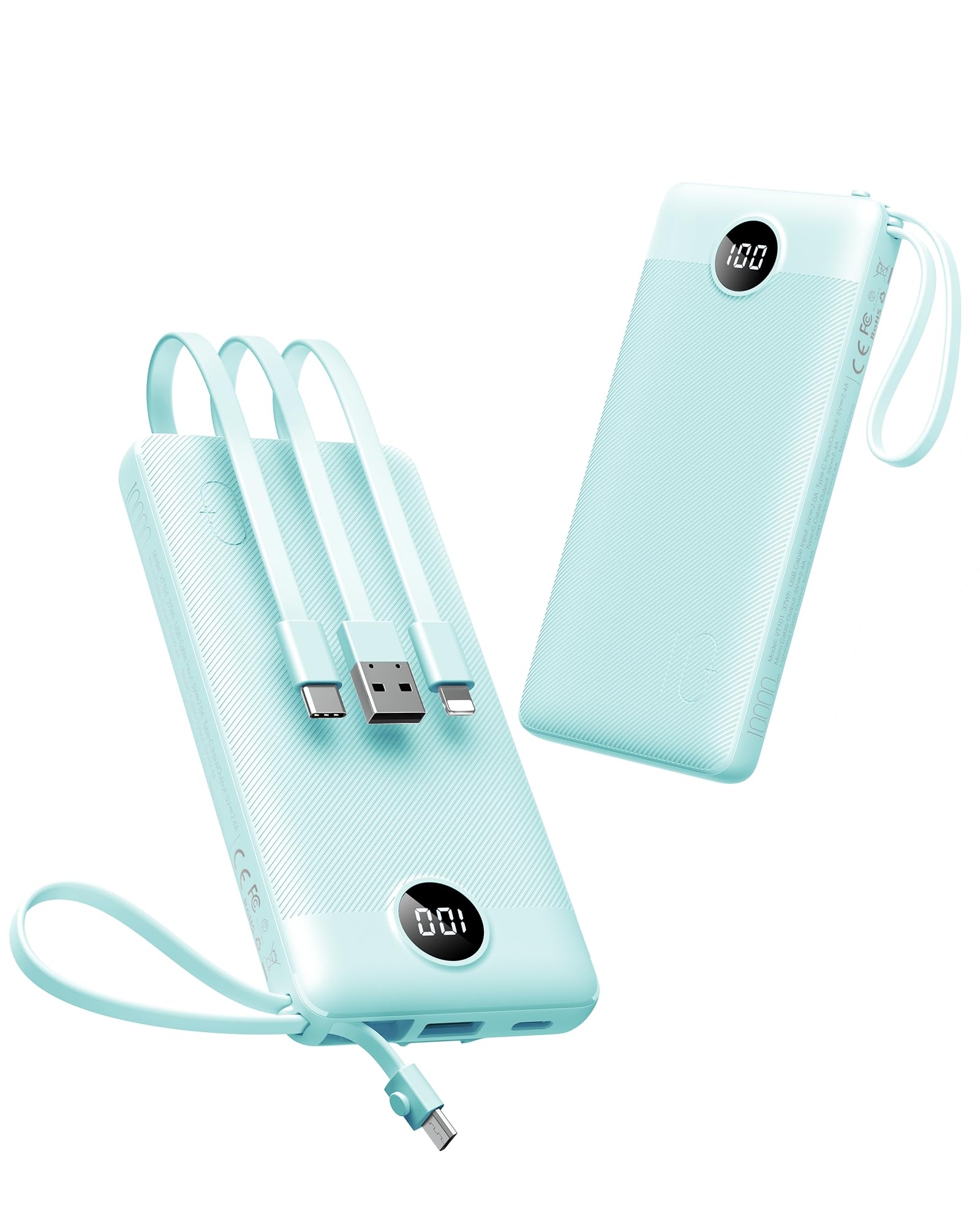
Electronics rarely have Subscribe and Save options, but they frequently have lightning deals, Prime exclusive deals, and manufacturer coupons available. A phone charger might be on a lightning deal for $12 (down from $18). A manufacturer coupon for the brand takes it down to $10.
Tech items are where brand coupons shine. Manufacturers of phone accessories, cables, monitors, and peripherals maintain active coupon programs specifically for Amazon sales. Combine a lightning deal or Prime deal with a brand coupon, and you're stacking effectively.
Beauty and Personal Care
Beauty products stack superbly. A shampoo brand offers a 15% off coupon, the product qualifies for Subscribe and Save (5-15% off), and you might also catch it during a Prime exclusive deal window. Three layers of discounts on a single item isn't unusual.
The catch is complexity - you have to track which combination is currently available. Use a spreadsheet or bookmark system to track active beauty coupons, then apply them when the product is in a Prime deal period or when Subscribe and Save is available.
Vitamins and Supplements
The vitamin category is unique because many brands offer their own subscription services (offering direct discounts) alongside Amazon's Subscribe and Save and coupon codes. When you're buying a vitamin that appears in multiple promotion channels, you can often combine discounts from different sources.
Optimize by checking the brand's direct subscription service against Amazon's Subscribe and Save plus coupons. Sometimes the brand subscription is better, sometimes Amazon's combination is better. Take 60 seconds to compare before purchasing.
Advanced Stacking: Bulk Purchases and Volume Discounts
Some products have volume-based discounts that aren't immediately obvious. Buy 3 of a product, get 10% off each. This is different from a coupon code, so you can stack a coupon code on top of the volume discount.
This works powerfully for pantry staples, household items, and products you use regularly anyway. Instead of buying one, buy three to trigger the volume discount, then apply a coupon code.
The math: A laundry detergent bottle is $8. Buy 3, and Amazon's volume discount brings each to $7.20. Apply a 20% off coupon, and you're at $5.76 per bottle. That's 28% off for buying in bulk, which you were probably going to do anyway.
Timing Your Stacking for Maximum Effect
The most effective stacking happens when you combine multiple rare events:
A new brand coupon code releases on Tuesday. The same product category goes into a lightning deal on Wednesday. By combining these two events, you get exceptional savings. This is pure luck when it happens naturally, but experienced hunters manufacture these opportunities.
How? Track the coupon code release calendars of brands you frequently buy. When a new code drops, check the product on Amazon and see if it's already in a promotion period. If not, set a reminder to check again in three to four days when lightning deals refresh.
Seasonal stacking is even more powerful. Right before a major shopping season - Prime Day, Black Friday, back-to-school season - brands release aggressive coupon codes and Amazon runs frequent lightning deals. Shopping during these windows means nearly every product you buy has stacking opportunities.
The February-March period (post-New Year, pre-spring) and July (back-to-school prep) see underrated coupon volume. Most shoppers focus on November-December, but February codes are just as active with far less competition.
Common Stacking Mistakes to Avoid
Mistake 1: Assuming all codes stack. Always check the coupon terms. If it says "cannot be combined with other promotions," that code doesn't stack with Subscribe and Save, lightning deals, or other discounts.
Mistake 2: Forgetting the category restriction. A "15% off home and kitchen" coupon won't apply to electronics. Read the category restrictions before assuming a code applies to your item.
Mistake 3: Stacking Subscribe and Save with codes that exclude subscription pricing. Some codes specifically say "not valid with Subscribe and Save." Check this before applying.
Mistake 4: Using one-time codes inefficiently. If you have a precious limited-use coupon, don't apply it to a $15 item. Use it on higher-value purchases where the discount amount is maximized.
Mistake 5: Overlooking the hidden stacking layers. Item condition discounts (open-box vs. new), color/size variations with different prices, and seller-specific discounts all interact with coupons. Check if you're buying the cheapest version of the product before stacking codes.
Tools to Track and Optimize Stacking
The Juicer.deals Chrome Extension highlights available discounts as you browse, which accelerates your identification of stacking opportunities. Instead of manually tracking coupons and deals, the extension surfaces them automatically.
Spreadsheets work for ambitious optimizers. Create columns for: product name, regular price, Subscribe and Save discount, available coupon code, combined discount, and final price. Reference this when planning purchases.
Set calendar reminders for product-specific codes. If you know "Anker tech products have 15% off codes on the first Tuesday of each month," set a reminder to check that day. Then look for lightning deals on Anker products during that window.
FAQ
Q: Does Amazon officially allow coupon stacking?
A: Yes. Amazon's terms permit combining coupon codes with all other discount types including Subscribe and Save, Prime deals, lightning deals, and volume discounts. The only hard rule is one coupon code per order.
Q: Can I stack two different coupon codes?
A: No. Amazon's system blocks you from entering a second code once the first is applied. You can only use one coupon code per purchase.
Q: Do coupons stack with sale prices?
A: Yes. Any discount already baked into the product's listing price (sale prices, markdowns) is separate from coupon codes. Your code applies on top of the sale price.
Q: What happens if a product is in multiple promotions at once?
A: Amazon automatically applies all applicable discounts. You'll see the final price reflect all active promotions. No manual selection needed - you just benefit from all of them simultaneously.
Q: Is coupon stacking allowed on marketplace sellers?
A: Yes, but with more restrictions. Third-party sellers running coupons usually permit stacking with other promotions, but check their terms. Amazon-sold items have fewer restrictions.
Q: When is the best time to stack coupons?
A: Right before and during major shopping events (Prime Day, Black Friday, back-to-school season) when coupon volume peaks. Quarterly (end of quarter) sales also generate heavy coupon activity.
---
About the Author: Netzah Elad Topaz is a shopping strategist and deal hunter with over a decade of experience helping consumers maximize their Amazon purchases through strategic coupon stacking and discount discovery.