Amazon Lightning Deals are the platform's most aggressive discounts - and they vanish in minutes. Most shoppers never see them in time. The ones who do have a specific strategy: they know exactly when lightning deals refresh, which categories have the best margins, and how to beat the system's automation. This guide walks you through the exact approach that separates deal hunters from casual browsers.
Understanding the Lightning Deal Machine
Amazon's Lightning Deals are real-time, inventory-based sales. The platform's algorithm selects products across categories and offers them at aggressive discounts (sometimes 50-70% off) for strictly limited quantities. The purpose is threefold: accelerate inventory turnover, drive traffic to the platform, and test pricing elasticity.
The key insight: Amazon creates Lightning Deals specifically to move excess or aging inventory. This means products offered in lightning deals are often items Amazon needs to clear out to make room for newer models or overstocked items from seasonal surges. Understanding this psychology helps you predict which product categories will appear in lightning deals most frequently.
Electronics, home goods, kitchen appliances, and accessories rotate through lightning deals constantly. Fashion, beauty, and seasonal items appear sporadically. When a product is offered as a Lightning Deal, Amazon knows it's willing to operate at lower margins on that item - which means the deal is likely genuine.
Strategy #1: Master the Lightning Deal Refresh Schedule
Lightning Deals refresh approximately every four hours on Amazon. The standard rotation is midnight, 4 AM, 8 AM, noon, 4 PM, 8 PM, and midnight (all times in your local zone). But here's what most shoppers miss: Amazon actually refreshes deals slightly earlier than these times - sometimes 10-15 minutes early as the algorithm transitions inventory.
Set your alarms for 11:50 PM, 3:50 AM, 7:50 AM, and so on. Visit the Deals & Promotions page 15 minutes before each official refresh. The best deals haven't been shopped yet because most people are asleep or checking at the official refresh time. You're essentially hunting for deals before the crowd shows up.
Counterintuitive timing is your advantage. The most valuable lightning deals (highest percentage off, lowest SKU competition) are claimed between 3 AM and 6 AM. Most Americans are asleep. If you're in a different timezone, adjust your schedule to hunt during late-night/early-morning hours anywhere in North America.
Strategy #2: Use Juicer.deals Chrome Extension for Instant Alerts
The human brain cannot consistently monitor an entire platform for sudden drops. But software can. The Juicer.deals Chrome Extension monitors Amazon's entire lightning deals section in real-time and pushes notifications to your device the instant new deals appear that match your watchlist.
Here's how to optimize: add items to your wishlist that you'd actually buy if the price dropped sufficiently. Then configure Juicer.deals to alert you when prices drop below your target threshold. The extension doesn't just show deals - it shows which deals match your interests, eliminating notification fatigue.
Pair this with Telegram notifications (t.me/juicerdealsus). The community actively shares lightning deal findings as they happen. When a member posts "50% off Anker wireless charger right now," you get context and confirmation that the deal is genuine. This social verification prevents you from wasting time on mediocre discounts.
Strategy #3: Target Specific Product Categories for Better Odds
Not all product categories have equally good lightning deals. The best deals appear in categories with high inventory turnover and slim margins. Amazon is more willing to offer aggressive discounts on items it needs to move immediately.
Best Lightning Deal Categories:
- Electronics Accessories: USB cables, chargers, adapters. Amazon stocks these in enormous volume. Discounts regularly hit 40-60%.
- Smart Home Devices: Older-generation Echo devices, basic smart switches. Manufacturers incentivize Amazon to clear stock for new models. Discounts: 30-50%.
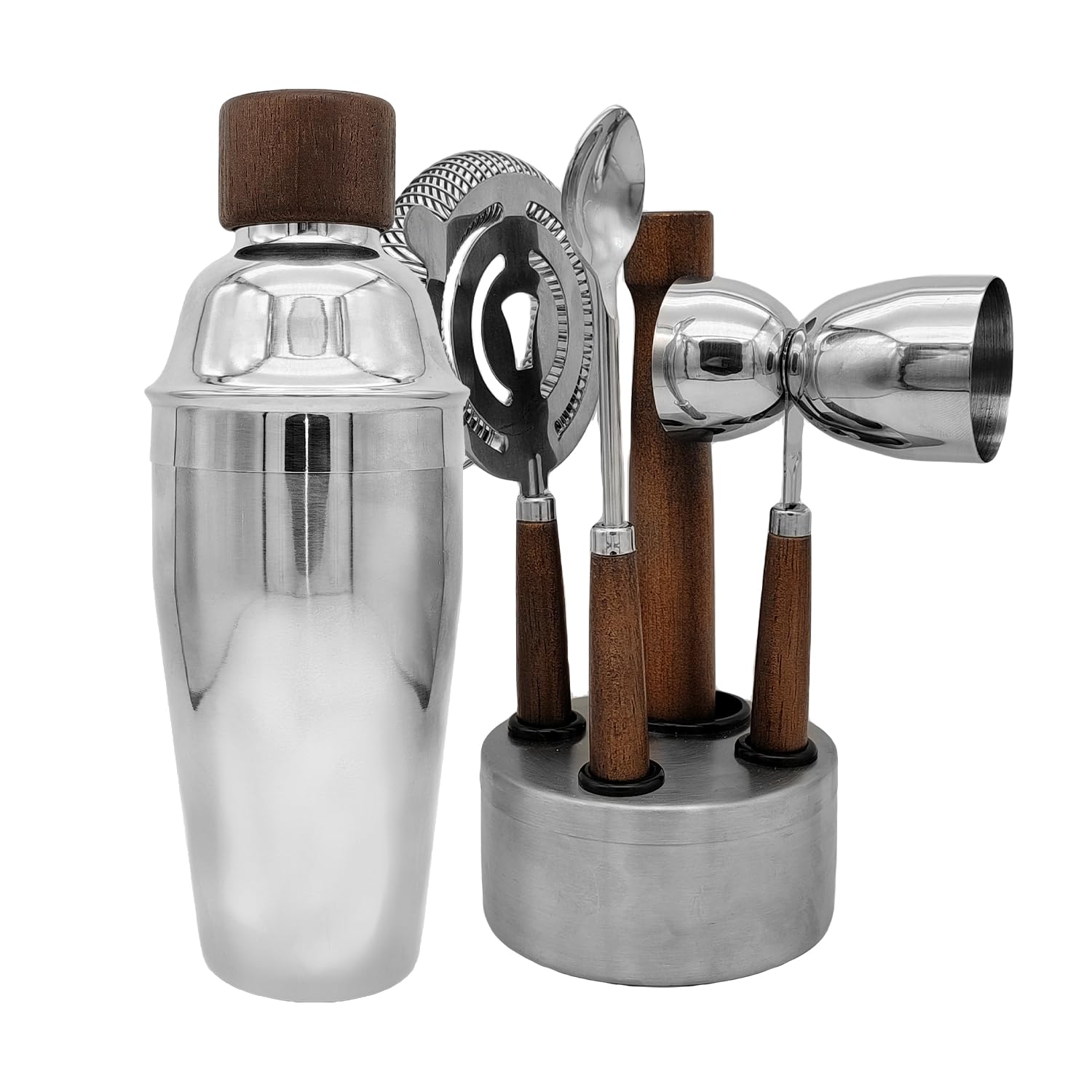
- Kitchen Tools: Air fryers, blenders, instant pots. Highly seasonal (peak demand is January for New Year's resolutions). Off-season discounts: 35-55%.
- Bedding & Linens: Sheets, pillows, comforters. Massive inventory costs drive aggressive clearance. Discounts: 25-45%.
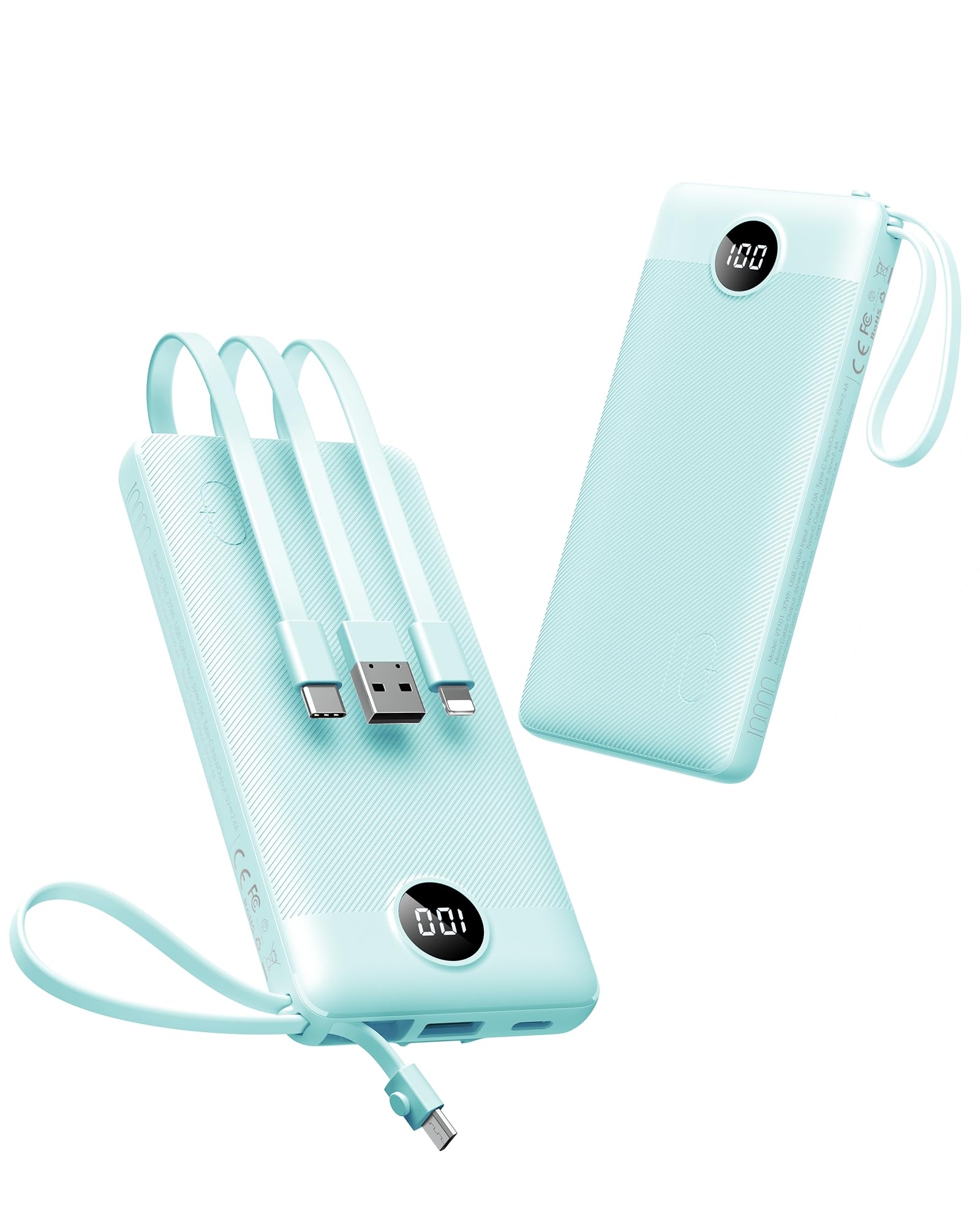
- Power Banks & Batteries: Consistent lightning deals with 40-60% discounts. These items rarely spoil and can be restocked indefinitely.
Avoid These Categories (Worse Deals):
- Jewelry & Watches: Low volume means lower discount motivation. Typical discounts: 10-20%.
- Designer Brands & Fashion: Brand agreements often restrict deep discounting. Typical discounts: 15-25%.
- Groceries & Perishables: Limited shelf life means Amazon can't run extended sales. Typical discounts: 5-15%.
Strategy #4: Anticipate Category-Specific Deal Cycles
Certain product categories cycle through lightning deals predictably based on season and inventory patterns. Learning these patterns lets you camp the deals section right before good offers typically appear.
January-March: Fitness equipment, nutrition supplements, kitchen gadgets. New Year's resolutions drive initial demand, then inventory overstock. Expect deals on treadmills, blenders, and meal prep containers.
May-July: Summer outdoor items, patio furniture, camping gear, gardening tools. Peak season transitions happen in early summer. Late May and June have particularly aggressive discounts on items Amazon forecasted incorrectly for summer demand.
September-October: Back-to-school tech, laptops, tablets, school supplies. Deep discounts on last-gen models as retailers clear for new school-year inventory. Expect 35-50% off electronics.
November-December: Gift-appropriate items, bundled packages, holiday decor. Paradoxically, deep lightning deals are rare in this period - but they do appear for slow-moving categories that didn't sell in summer.
Understanding these cycles means you can predict which product sections will have strong lightning deals in the coming weeks. If it's June and you need a new blender, camp the kitchen gadgets section daily. You'll hit a deal cycle.
Strategy #5: Use Cart Reservation & Checkout Speed Optimization
Once you've found a lightning deal you want, speed matters. Amazon's system will hold items in your cart for a few minutes, but that cart can be grabbed by another shopper if you don't act. The goal is checkout completion in under 60 seconds.
Pre-optimize your checkout process right now:
- Save your payment method (credit card or Amazon Pay) to your account
- Confirm your shipping address is correct
- Turn off two-factor authentication requests on purchases under $25 (for speed)
- Have your browser saved credentials enabled
When you find a deal, click "Add to Cart" and immediately proceed to checkout. Don't browse. Don't review the product again. Don't apply coupons (coupons take time to process and often can't be applied to lightning deals anyway). Get to the final confirmation page as fast as possible.
Many deals sell out in the final moments due to buyers who hesitate or get distracted. Your advantage is ruthless efficiency. One more optimization: if a deal appears but shows limited stock remaining ("Only 3 left," etc.), buy immediately rather than deliberating. Hesitation costs you deals.
Strategy #6: Combine Lightning Deals with Additional Savings Strategies
Lightning deals aren't your only discount available. Layer them with other savings mechanisms to maximize value.
Amazon Prime Member Exclusive Deals: Prime members get early access to some lightning deals - typically one hour before non-Prime members. If a lightning deal starts at 8 AM, Prime members can access it at 7 AM. Membership costs $139/year, but if you shop frequently, the early access to deals pays for itself.
Subscribe & Save Discount Stacking: Some Lightning Deal items can be added to a Subscribe & Save order. You'll get the lightning deal discount plus an additional 5-20% off for Subscribe & Save. This is rare but check for the option before finalizing purchase.
Credit Card Cash Back: If you have an Amazon Prime Rewards Visa card, purchases earn 5% back on Amazon. A $100 lightning deal at 50% off costs you $50 after the deal, then earns $2.50 cash back. These micro-savings compound.
Strategy #7: Know When Lightning Deals Are Actually Bad Deals
Not every lightning deal is worth buying. Amazon sometimes offers genuine discounts on items that are legitimately overpriced to begin with. Your obligation as a smart shopper is to verify that the "discounted" price is actually lower than historical averages.
Use price history tools (Keepa or CamelCamelCamel) to check whether the lightning deal price is actually the lowest price ever recorded, or whether the item frequently drops to this price. If a coffee maker's regular price is $40, and the lightning deal shows it at $25 (37% off), that's worthwhile. If the coffee maker's price history shows it regularly drops to $23, the lightning deal isn't actually special.
Reject any lightning deal where the original listed price seems inflated. A common trick: list an item at an unnaturally high price, then discount it 50% to make the "deal" feel impressive. The price history chart reveals this immediately. Trust the history, not the marketing presentation.
FAQ
Q: How many lightning deals happen per day on Amazon?
Amazon typically runs 10-20 lightning deals per refresh window, with refreshes every four hours. This means roughly 70-140 lightning deals per day across all categories. However, the vast majority are modest discounts (15-25% off). The truly aggressive deals (50%+ off) happen less frequently, maybe 10-15 per day.
Q: Do I need to have items in my cart before the lightning deal starts?
No. You can discover and add a lightning deal item after it goes live. The item will be available until either it sells out or the time window closes (typically 4-6 hours). Adding it to your cart in advance isn't necessary and doesn't reserve your purchase.
Q: What happens if a lightning deal sells out?
The product page will display "Deal ended" or "Out of stock." If you had the item in your cart before it sold out, you can still try to check out, but the discounted price won't apply. You'll pay regular price or the sale will fail if the item is completely gone. This is why speed matters - once an item sells out, it's truly done.
Q: Can I share lightning deals on social media to warn others I found them first?
Yes, but this is a double-edged sword. Sharing good deals on social media accelerates how fast they sell out. If you're being strategic, keep exceptional deals quiet and share only ones you've already purchased. If you're being generous, share freely to help the community.
Q: Do lightning deals work differently on the Amazon mobile app vs. the website?
Functionality is identical. Mobile app notifications for lightning deals are actually faster than website notifications. Set your app to send notifications and keep your phone on you during key refresh times for fastest alerts.
Q: Is it worth using bots to auto-purchase lightning deals?
Technically against Amazon's terms of service. Practically, Amazon's system is designed to prevent bot purchasing - CAPTCHAs appear frequently, and automated add-to-cart actions are blocked. Your human speed and judgment are genuinely more effective than any bot. Plus, using bots risks account suspension.
Q: What's the single best time to hunt lightning deals?
The 4 AM refresh window (3:50-4:10 AM your local time). Most of North America is asleep. Competition is minimal. The deals that appear then tend to be deeper because Amazon's algorithm calculates scarcity based on typical traffic patterns. This single window alone has generated thousands of dollars in combined savings for Juicer.deals members.